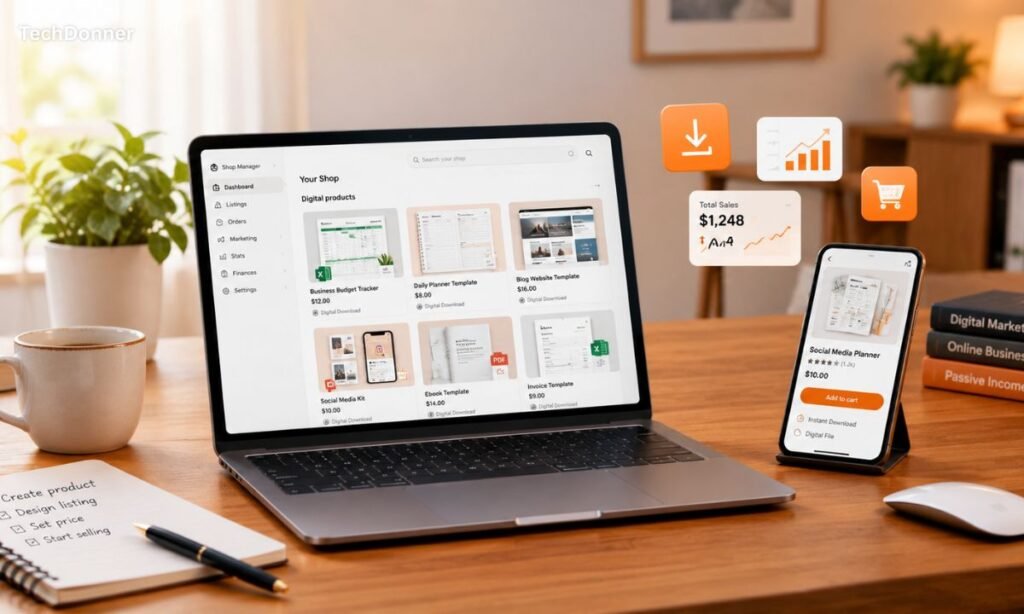
Selling digital products on Etsy can be an attractive way to build an online business without dealing with physical inventory, packaging, or shipping. Instead of sending a physical product to a customer, you create a digital file once and sell it repeatedly.
From templates and planners to printable artwork, website themes, spreadsheets, and digital guides, Etsy supports many types of original digital products. However, success is not simply about uploading a file and waiting for sales. You need the right product, a well-optimized listing, attractive visuals, and a clear understanding of Etsy’s rules.
Here is a practical guide to getting started.
What Are Digital Products on Etsy?
Digital products are files that customers purchase and download online. Etsy currently supports two main types of digital listings: instant downloads and made-to-order downloads. Instant downloads are ready-made files that customers can access after purchase, while made-to-order products are customized and delivered after the seller creates them.
Popular examples include:
- Canva templates
- Social media templates
- Printable planners
- Wedding invitations
- Resume templates
- Business forms
- Spreadsheet templates
- Digital artwork
- Ebooks and guides
- Website templates
- Blogger and WordPress themes
- SVG and PNG files
- Notion templates
The important point is that the product should provide a real solution. A useful template that saves someone an hour of work can be more valuable than a complicated product that looks impressive but solves no clear problem.
What Can You Sell?
Etsy’s rules require digital products to be made or designed by the seller. Sellers can offer their original designs as digital downloads. Etsy also allows seller-prompted AI creations, but AI use must be disclosed where required.
This is important for new sellers. You should not simply download someone else’s template, artwork, ebook, or software and upload it to your shop.
If you use third-party assets, fonts, graphics, photographs, or other resources, check their commercial licensing terms before including them in a product.
Choose a Product With a Clear Target Customer
One of the biggest mistakes beginners make is trying to sell everything.
Instead, choose a specific category.
For example, rather than creating a general “business template,” you could create a social media content planner for small businesses. Instead of selling a generic website template, you could create a modern Blogger template for technology blogs.
A specific product makes it easier to create your listing, write keywords, design images, and understand your potential customers.
Before creating the product, research existing Etsy listings in the same category. Look at their prices, presentation, product features, customer reviews, and the types of problems they solve.
Create the Digital Product
Once you know what you want to sell, create the actual product.
Your file should be clean, useful, and easy to understand. Test everything before publishing it. If you’re selling a template, open it yourself and check every link, page, button, and editable section.
For downloadable products, Etsy allows sellers to upload up to five digital files, with a maximum size of 20 MB per file. Supported formats include PDF, PNG, JPG, ZIP, EPUB, MP3, MOV, and several others.
If your product contains several files, a ZIP package can be useful. Give every file a clear name because Etsy says uploaded file names are visible to buyers and cannot be edited after uploading.
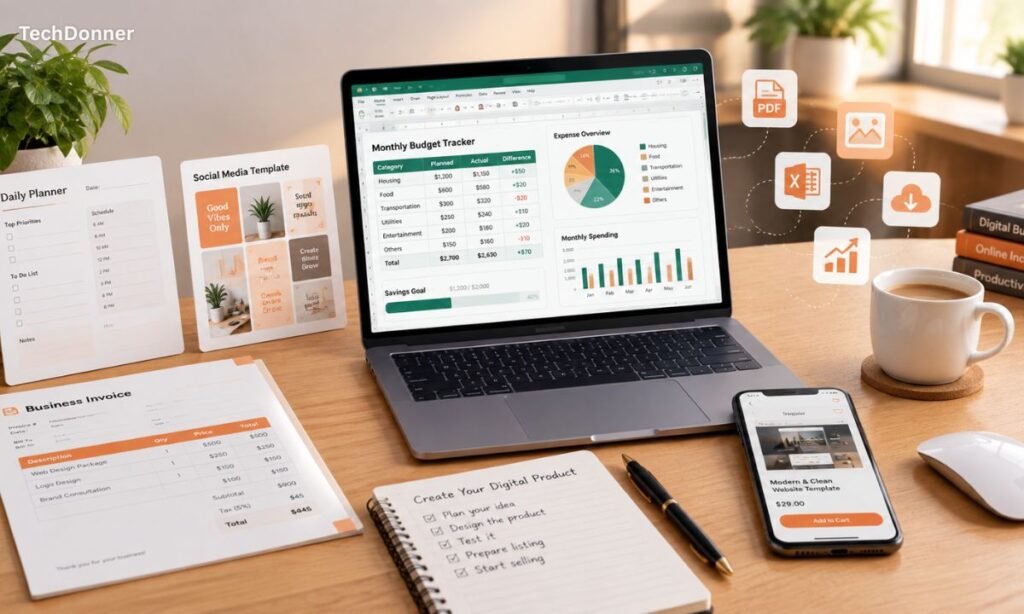
Create an Etsy Listing
After opening your Etsy shop, you can create a listing and select Digital files as the item type.
Your listing needs an attractive thumbnail, a clear title, a detailed description, the correct category, tags, pricing, and the digital files themselves.
Etsy allows up to 13 tags for a listing. These should describe what customers are actually searching for.
For example, if you’re selling a website template, relevant phrases might include:
Blogger template, blog template, website template, responsive template, technology blog template
Avoid filling the title with repeated keywords. Etsy recommends clearly stating what the product is and using relevant details rather than unnecessary repetition.
Product Images
Digital products cannot be physically held or photographed, so your listing images need to explain the product visually.
For a template, show screenshots of the homepage, mobile layout, different sections, and customization options.
For a printable planner, show several pages and demonstrate how the finished product looks.
You can also create mockups that show your digital product being used on a laptop, tablet, or phone.
The goal is simple: the customer should understand what they are buying before clicking the purchase button.
How Etsy Fees Work
Etsy isn’t completely free. Its current fee structure includes listing fees, transaction fees, payment processing fees, and potentially advertising-related fees.
Etsy currently charges $0.20 USD for each listing, whether or not that listing results in a sale. A listing normally lasts for four months.
When a sale occurs, Etsy also charges a 6.5% transaction fee on the total order amount. Payment processing fees are separate and vary according to the seller’s country.
There can also be additional fees from services such as Offsite Ads or Etsy Ads. For example, Etsy currently lists Offsite Ads fees at 15% for sellers below $10,000 in Etsy sales over the previous 365 days and 12% for sellers at or above that threshold, subject to Etsy’s rules.
Because fees can affect your profit, calculate your costs before setting the final price.
How to Get Your First Sales
Opening an Etsy shop doesn’t guarantee customers.
You need to give people a reason to find and buy your products.
Start by creating several related products instead of relying on one listing. For example, a seller offering social media templates could create Instagram templates, Facebook templates, content calendars, media kits, and business planners.
Use clear keywords in your titles, descriptions, tags, and other relevant listing fields. Create professional images and keep your shop visually consistent.
You can also promote your products outside Etsy through Pinterest, Instagram, TikTok, Facebook, or your own website.
Most importantly, study your results. If a product gets views but few sales, its images, price, description, or product-market fit may need improvement. If it receives almost no views, the keywords and product demand may need another look.
Don’t Forget Customer Support
Digital products may not require shipping, but customers can still have questions.
Someone might not know how to download a ZIP file, edit a template, access a Canva design, or install a website theme.
Add a simple instruction file or buyer note where appropriate. Etsy allows sellers to add a note for buyers that appears on the Downloads page after purchase.
Clear instructions can reduce confusion and create a better customer experience.
Final Thoughts
Selling digital products on Etsy can be a practical online business model because one well-designed product can potentially be sold many times without manufacturing or shipping another physical item.
But the real work happens before and after publishing the listing. You need to research demand, create an original product, optimize the listing, use strong visuals, price it carefully, and continue improving based on customer behavior.
The best approach is to start with one focused product category rather than trying to build a huge store immediately. Create useful products, present them professionally, follow Etsy’s policies, and gradually build a collection around a specific audience.
For the latest seller rules, fees, and listing requirements, Etsy’s official Seller Handbook and Help Center should be treated as the final reference because marketplace policies and fees can change.